

BFCM
2 min read
Black Friday merchandising: collections, search and gift guides
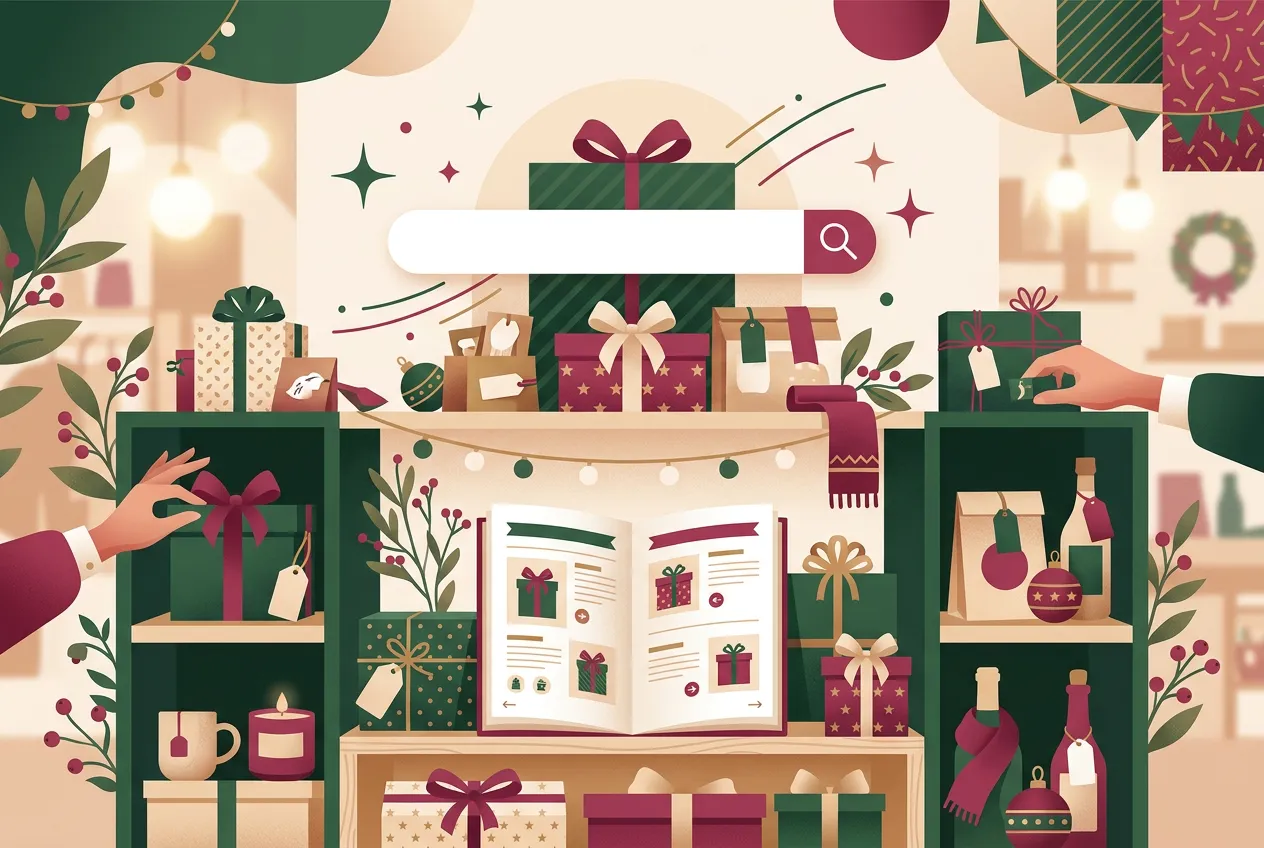
Black Friday merchandising for Shopify stores: sale collections, price-band gift guides, on-site search fixes and product page hygiene for gift buyers.
BFCM
2 min read
The final-week BFCM tech check for Shopify stores: freeze changes, audit apps, test the real sale, and write the one-page runbook for sale week.
By Paal SobergFounder, Think Commerce

One week out from Black Friday, the building stops and the verifying starts. Everything on this list is about making sure what you already have survives the busiest days of your year, and that you can react in minutes if something breaks.
No new apps, no theme changes, no “quick tweaks” after this week. Every unplanned change you ship next week is a risk you did not test. If something is not ready by the freeze, it launches in December.
List every app that injects code into your theme. Remove what you no longer use, and check for old scripts doing the same job twice. That matters beyond speed: script tags, the old way apps injected code, are being retired and Shopify stops loading them on 1 March 2027. Our developer deadlines post explains what to ask your app vendors.
Build the sale as a rollout event if you have not already: theme changes, catalogues and discounts bundled with a start time and an automatic rollback. Check the conflict warnings, and remember each discount can only live in one unended rollout at a time. Our checkout and fraud post has the step-by-step.
When something goes wrong at 8am on Black Friday, nobody reads a wiki. One page, pinned where your team works:
Know where you will watch the day from: Shopify’s live view for the pulse, your analytics for the trend, your ad platforms for spend. Add a report annotation marking the sale start so December-you can read the charts properly.
Book a pre-BFCM tech check: we will run this list against your store with you and leave you a runbook ready for sale week.
BFCM
2 min read
Black Friday merchandising for Shopify stores: sale collections, price-band gift guides, on-site search fixes and product page hygiene for gift buyers.
BFCM
2 min read
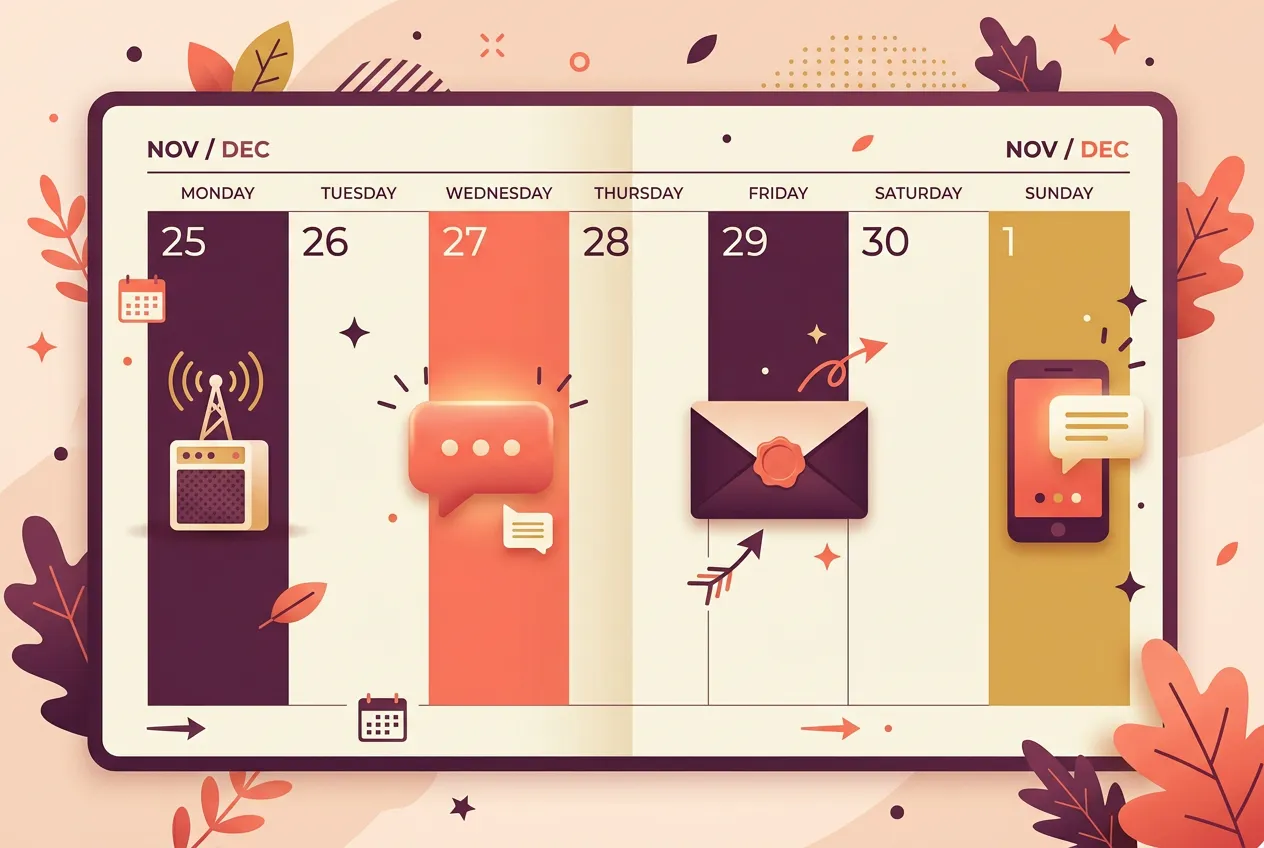
A send-by-send BFCM 2026 calendar for email, SMS and WhatsApp: what to send, to whom, and when, from the mid-November warm-up to Cyber Monday.

BFCM
3 min read
Discount, bundle or gift with purchase? How UK Shopify brands should choose their Black Friday 2026 offer, with the margin maths that decides it.