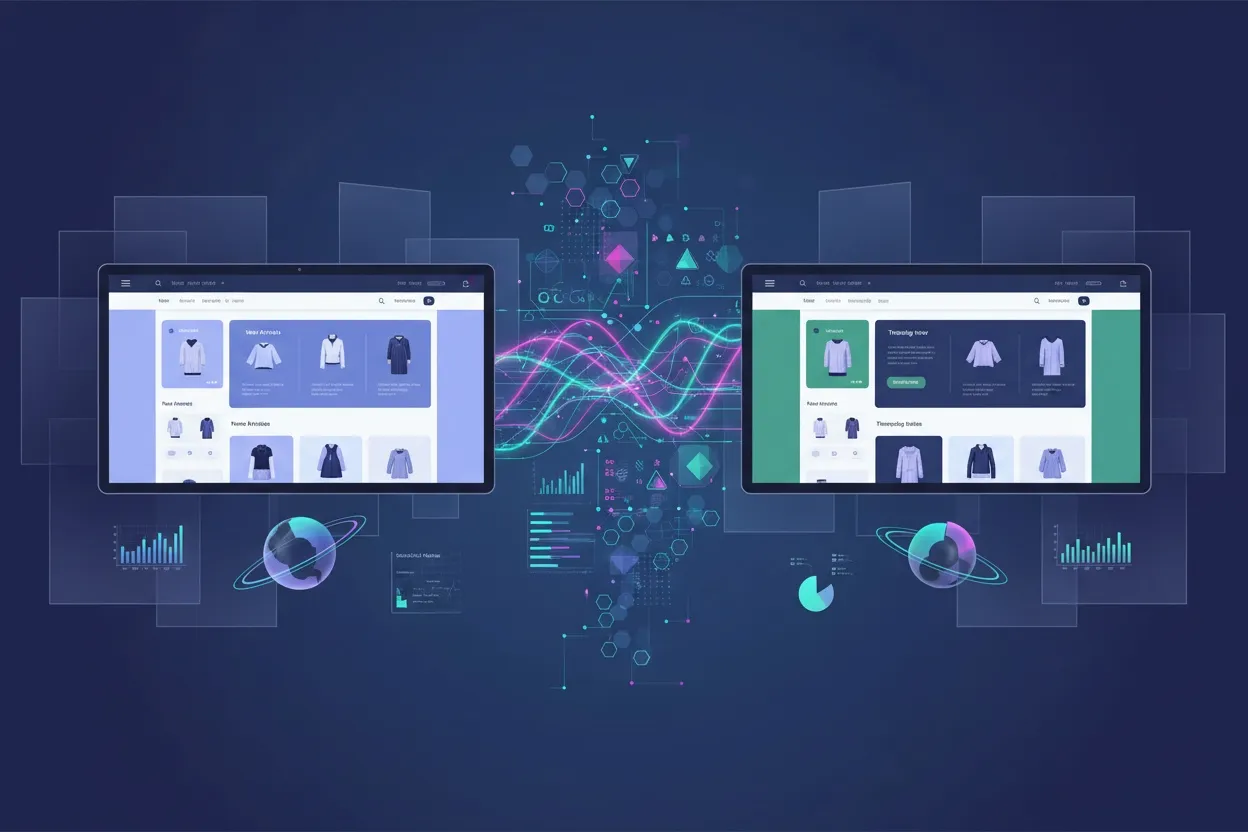
Rollouts is Shopify’s built-in tool for scheduling, testing and rolling back changes to your store, found under Markets > Rollouts in the admin. Use it for scheduled launches, timed sales and simple theme A/B tests. Use a dedicated A/B testing app when you need direct price tests or shipping rate tests, target by device or customer segment, or analyse results in more depth.
Shopify introduced Rollouts in the Winter ’26 Edition, in early access and for theme changes only. The Fall ’26 Edition widened it to checkout configurations, catalogues and discounts. This article was first published in February 2026 and has been updated for Fall ’26. For the rest of that release, read our guide to Shopify Editions Fall ’26.
What Rollouts does
A rollout bundles up to four kinds of change into one scheduled release:
- theme edits, or a replacement theme
- a replacement checkout configuration
- catalogues set to active or draft
- discounts switched on or off
Three types of rollout
- Launch. Applies the changes permanently at the time you set.
- Event. Rolls back automatically when it ends. This suits a Black Friday sale that has to disappear on time.
- Experiment. Splits traffic between your live store and the rollout for an A/B test. Experiments need the Grow plan or higher.
How an A/B test works in Rollouts
1. Set the traffic split and schedule
Create an Experiment rollout. Choose the share of visitors who see the change: half of them for a true A/B test, or a small share for a cautious soft launch. Set start and end times in your store’s timezone. The markets a rollout reaches follow from its changes. Theme edits can be limited to specific markets in the theme editor, but a replacement theme always applies to every market.
2. Make the changes inside the rollout
Edit your published theme for that rollout in the theme editor. Anything you don’t change stays in sync with your live theme. You can test a new hero banner or product page layout without rebuilding the whole theme.
3. Compare the results
For a theme Experiment, Shopify’s rollout analytics compare the treatment with the control on conversion rate, add to cart rate, reached checkout rate and bounce rate, with statistical results. A checkout Experiment reports checkout conversion rate only. Average order value and revenue appear on Launch reports, not Experiments. You can pull orders and sales for each group with ShopifyQL, but without a significance test.
4. Apply, pause or archive
When the results are in, end the rollout and choose to roll back the changes or apply them for every visitor. Archiving an ended rollout deletes its theme changes for good. You can also pause an active rollout and resume it later. Once a rollout is applied, Rollouts can’t revert it, so you have to undo each change by hand: the theme, the checkout configuration, catalogues and discounts.
Limits to plan around
- No segment or device targeting. You can target markets, but not customer segments, tags or devices.
- No company-location catalogues. A B2B catalogue assigned directly to a company location can’t go in a rollout. Catalogues for B2B markets can.
- One rollout per discount. Each discount can sit in only one unended rollout at a time.
- Theme publishing. Publishing a new theme while rollouts are scheduled can wipe their customisations. Freeze theme publishing until a rollout ends.
- Translations. For a replacement theme, translate the content with a compatible app such as Translate & Adapt. Manual translations and CSV uploads don’t work inside a rollout. Check this before testing on a multi-language store.
- Vintage themes. Rollouts can’t be used with vintage themes.
You can’t change Liquid template files inside a rollout. Edits go through the theme editor. Since Fall ’26, a rollout can also include a whole replacement theme, and that works in an Experiment too. Shopify lists the rest in its requirements and considerations.
Rollouts or an A/B testing app?
Merchants have used apps such as Shoplift, Intelligems and Visually for split testing for years. Rollouts now covers part of that ground.
Where Rollouts is the better fit
| Feature |
Rollouts |
A/B testing apps |
| Cost |
Built into Shopify, with no app subscription. Experiments need the Grow plan or higher |
A monthly app subscription, usually priced by store traffic and features |
| Set-up |
Native, with nothing to install |
An app to install and set up |
| Theme testing |
Theme edits in the theme editor, and since Fall ’26 a whole replacement theme |
Varies by app: some test whole themes, others focus on specific elements |
| Scheduled releases |
Built in, for campaigns and seasonal updates |
Some apps offer scheduling, not all |
| Market targeting |
Theme edits limited to specific markets |
Limited, or needs a higher plan |
| Page speed |
Minimal impact, because it is native to Shopify |
Varies: some apps are built for speed, others add overhead |
Rollouts also reaches beyond the theme: one release can change the theme, the checkout configuration, catalogues and discounts together.
Where apps still do more
We compared them in February 2026 and rechecked Shoplift’s features in November 2026.
| Feature |
Rollouts |
Apps such as Shoplift, Intelligems and Visually |
| Price testing |
No direct price test. An Experiment can include a catalogue change, and catalogues carry their own prices, but Google, ads and feeds keep showing the original prices while it runs |
Shoplift, Intelligems and Visually support price A/B tests |
| Discount testing |
An Experiment can test a discount against no discount, with orders and sales by discount in ShopifyQL. It can’t test one strategy against another |
Intelligems tests discount strategies and offers |
| Shipping rate testing |
Not supported |
Intelligems tests shipping thresholds and rates |
| Segmentation |
Share of visitors and markets only |
Device, location, customer type, behaviour and more |
| Liquid and custom code |
Theme editor changes, or a replacement theme |
Shoplift and others test custom code and Liquid edits directly |
| AI-generated variants |
Not supported |
Shoplift’s Lift Assist and Visually AI generate test variants |
| Analytics |
Shopify analytics: conversion, add to cart, reached checkout and bounce rates, with statistical results. Revenue per group only through ShopifyQL, without a significance test. No GA4 export |
Revenue per visitor, average order value, click-through rate, statistical significance and GA4 integration |
| Upsells and post-purchase |
Not supported |
Apps test checkout upsells and post-purchase flows |
| URL and redirect tests |
Not supported |
Intelligems and others run redirect and URL-based tests |
| Multivariate tests |
Not supported |
Apps test several variables at once |
Use Rollouts when
- you want to schedule a seasonal campaign or a sale to start and stop on time
- you’re testing simple theme changes such as colours, layouts or section order
- you need different changes for different markets
- you don’t need advanced segmentation or analytics
- you’d rather work in the Shopify admin than add an app
Use an app when
- you want direct price tests, or to test discount strategies or shipping rates
- you need to target tests by device, behaviour or customer segment
- your tests need Liquid or custom code
- you need revenue per visitor, with a significance test, to make the call
- you want AI to generate test variants for you
- you want dedicated support and a testing strategy from experimentation specialists
- you run a testing programme across many parts of the store
Shoplift for advanced A/B testing
Shoplift is a Think Commerce partner, and in our view it is the gold standard for A/B testing on Shopify. Here is what it adds beyond Rollouts.
What you can test
- Themes and templates: whole theme rebrands, new page templates, navigation and the mini-cart.
- Prices: test different price points to find the one that works best.
- Product pages: layouts, imagery, copy and calls to action.
- Landing and collection pages: campaign landing pages and collection pages.
- Custom code: your own Liquid, or custom experiments written with Shoplift’s JavaScript API.
Lift Assist: AI-generated tests
Lift Assist generates on-brand test variants from your store, so you don’t have to code or design each variation yourself. It keeps your brand identity while it tries alternatives that could convert better.
Analytics and segmentation
- Bayesian analysis that shows each variant’s probability to win
- revenue per visitor, average order value, conversion rate and click-through rate
- segmentation by device, country and region, and by audiences such as referring domain, channel or UTM parameters
- GA4 integration and data exports
- subscription testing
Support and strategy
Shoplift’s Pro plan adds a dedicated account manager, strategy sessions twice a month, a storefront audit and testing roadmap, and quarterly business reviews. It suits brands that run conversion testing as an ongoing programme.
Shoplift’s plans
At the time of writing (November 2026), Shoplift’s pricing page lists three plans, in US dollars and priced by monthly store visitors:
- Core: from $74 a month billed annually, or $99 billed monthly. Template, theme and URL tests with Bayesian analysis.
- Advanced: from $299 a month. Adds price testing, advanced segmentation, Lift Assist and GA4 integration.
- Pro: from $699 a month, on an annual plan only. Adds a dedicated account manager, strategy sessions and quarterly reviews.
Core and Advanced start with a 14-day free trial. These are Shoplift’s prices, not ours, and they rise with your traffic, so check the pricing page for your store.
Using Shoplift alongside Rollouts
You don’t have to pick one. Many merchants do best with both:
- Rollouts for scheduled theme releases, market variants and simple layout tests
- Shoplift for price tests, advanced theme experiments, AI-generated variants and a full conversion testing programme
That way you use Shopify’s built-in tools where they are enough, and pay for Shoplift’s extra depth on the tests most likely to move revenue.
Where SimGym fits
Alongside Rollouts, Shopify introduced SimGym, an app that simulates shopper behaviour to predict how a change will affect conversion before it goes live. In Fall ’26, Sidekick can test its own suggestions against simulated shoppers in SimGym, in early access. Simulated shoppers aren’t your shoppers, though. Treat a SimGym win as a hypothesis and confirm it with a real A/B test using a rollout Experiment. Read more about how Sidekick tests its suggestions in SimGym.
Running your Black Friday sale as a rollout
An Event is the safest way to run a sale that has to switch off on time. Create your sale catalogues per market first, make your theme edits inside the rollout, add your discounts, check the conflict warnings, then freeze theme publishing until the sale ends. Build and test it before mid-November. Our article on checkout, payments and fraud in Fall ’26 puts the rollout in a full pre-Black Friday timeline, alongside Shopify Protect.
Getting started
- Go to Markets > Rollouts in your Shopify admin and click Create rollout.
- Choose Launch, Event or Experiment, then set the schedule. For an Experiment, also set the share of visitors who see the change.
- Add your changes: theme edits, a checkout configuration, catalogues or discounts.
- Save and activate the rollout.
- Watch the analytics. For an Experiment, compare the treatment with the control.
- End the rollout and apply the changes if it performs well, or roll them back if it doesn’t.
Shopify’s help centre has step-by-step instructions for creating a rollout.
The bigger picture
Rollouts changes how Shopify approaches testing:
- From app-dependent to native. Core testing is now built into the platform.
- From risky to safer. Scheduled releases, and Event rollouts that roll back automatically when they end, reduce the risk of a launch.
- From manual to AI-assisted. SimGym adds prediction to the testing process.
- From fragmented to unified. Testing, scheduling and analytics sit in one place.
This doesn’t remove the need for specialist A/B testing apps, which still do things Rollouts can’t. But for many merchants, Rollouts will cover most everyday testing without extra cost or complexity.
What’s next
When we first wrote this in February 2026, we expected Rollouts to move beyond themes, and to gain more advanced segmentation, deeper analytics, Liquid template changes and closer links with SimGym. Fall ’26 delivered the first of those: a rollout can now include a checkout configuration, catalogues and discounts. Sidekick can also test its own suggestions against simulated shoppers in SimGym, in early access.
Still on our list:
- targeting by customer segment, tag or device
- Liquid and code changes inside an experiment, without building a replacement theme
- deeper analytics and reporting on experiments
- catalogues assigned to company locations in rollouts
Shopify is clearly investing in making testing available to every merchant, not only those with budgets for premium apps.
Final thoughts
Rollouts lets merchants test theme changes, schedule releases and reduce launch risk without installing an app. For simple theme A/B tests and scheduled campaigns, it is the obvious choice. For advanced testing, such as direct price tests, discounts, checkout upsells and multivariate experiments, apps like Shoplift, Intelligems and Visually are still essential.
Our advice: use Rollouts as your foundation, and add a specialist app where you need more depth.